
Adolph-Smith Gracius

Most "best AI study tools" lists are written by people who don't study.
They rank tools by features. Or by what's trending on TikTok. Or by which company paid for the affiliate link.
None of that helps you pass an exam.
I tested every popular AI exam prep tool on actual undergraduate coursework. Seven worked. The rest were demos that fell apart the second a real syllabus hit them.
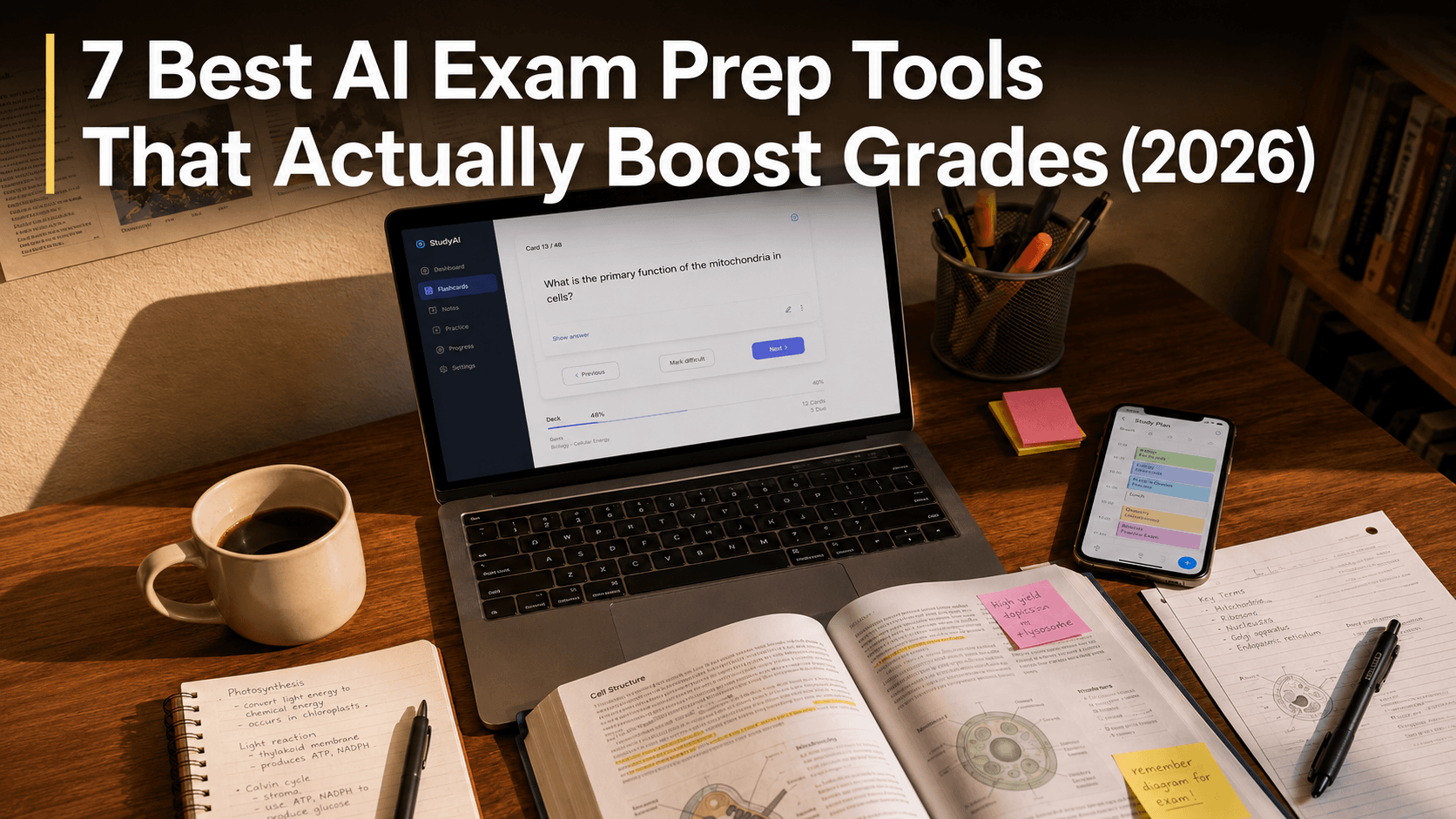
[Cover image. Overhead shot of a messy desk — open laptop showing a flashcard app, a half-empty coffee mug, a textbook with sticky notes, phone showing a calendar app. Slightly warm lighting, late-afternoon feel. Not staged "study aesthetic" — should look like a real student's desk mid-cram. Custom shot, no stock-photo vibes.]
Hi, I'm Adolph-Smith Gracius. I've spent four years testing AI study systems across ChatGPT, Claude, and Gemini. I run Vertech Academy, where thousands of students use our prompt library to prep for exams every month.
Here's what survived contact with reality.
Re-reading isn't studying. It just feels like it.
You re-read the chapter. You highlight the important parts. You close the book and feel ready.
You're not.
Re-reading builds recognition, not recall. Your brain sees the words and thinks "I know this." It doesn't. And exams test recall.
A 2013 meta-analysis by Dunlosky ranked active self-testing as the highest-impact study strategy out of ten methods tested. Spaced repetition came in second.
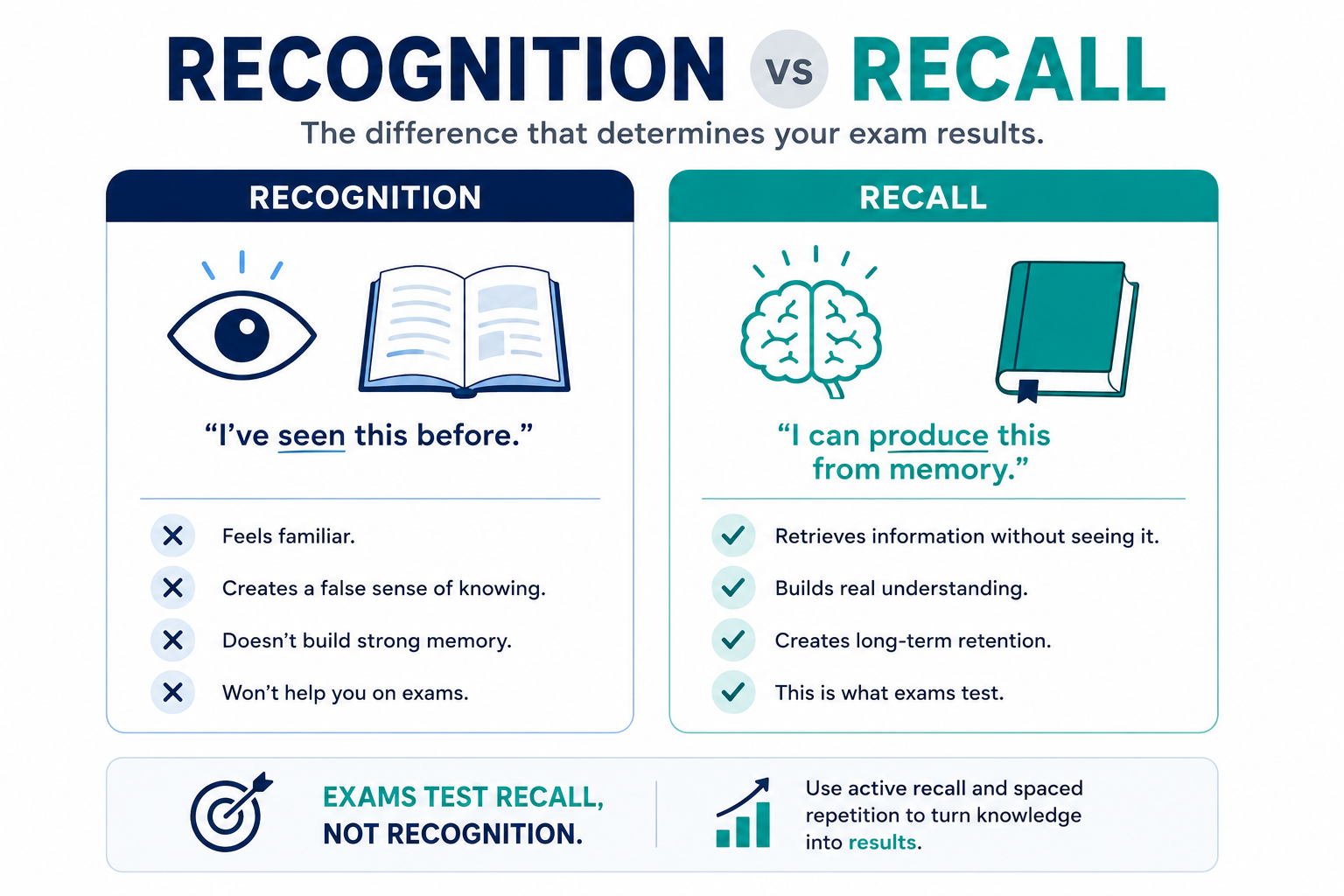
Every tool below earns its place by forcing you to do one of those two things. The ones that don't were cut.
The 7 best AI exam prep tools in 2026
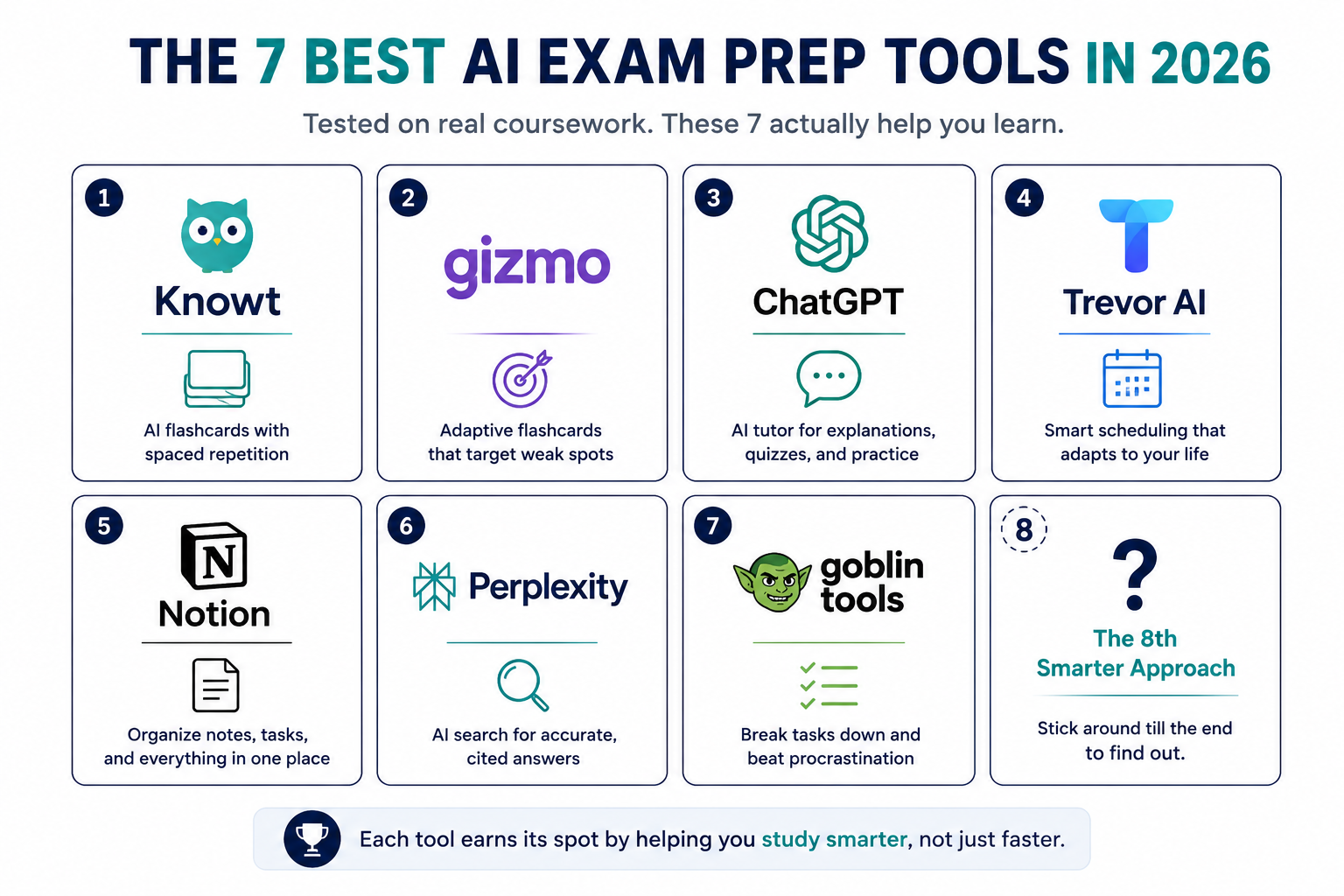
The shortlist: Knowt, Gizmo, ChatGPT, Trevor AI, Notion, Perplexity, and Goblin Tools.
Each one was tested across multiple subjects and exam formats. No demos. No best-case scenarios. Just actual studying.
1. Knowt does the flashcard work for you
Paste your notes. Knowt turns them into flashcards and practice quizzes automatically.
The whole process takes about 2 minutes.
The real advantage isn't the AI generation. It's the built-in spaced repetition. Cards you keep getting wrong show up more often. You spend time on what you actually need to learn, not the stuff you already know.
The 2026 free plan is genuinely generous: unlimited Learn Mode, unlimited practice tests, AI note summarization, video summarization.
(If you've never used a spaced repetition system before, this is the easiest entry point.)
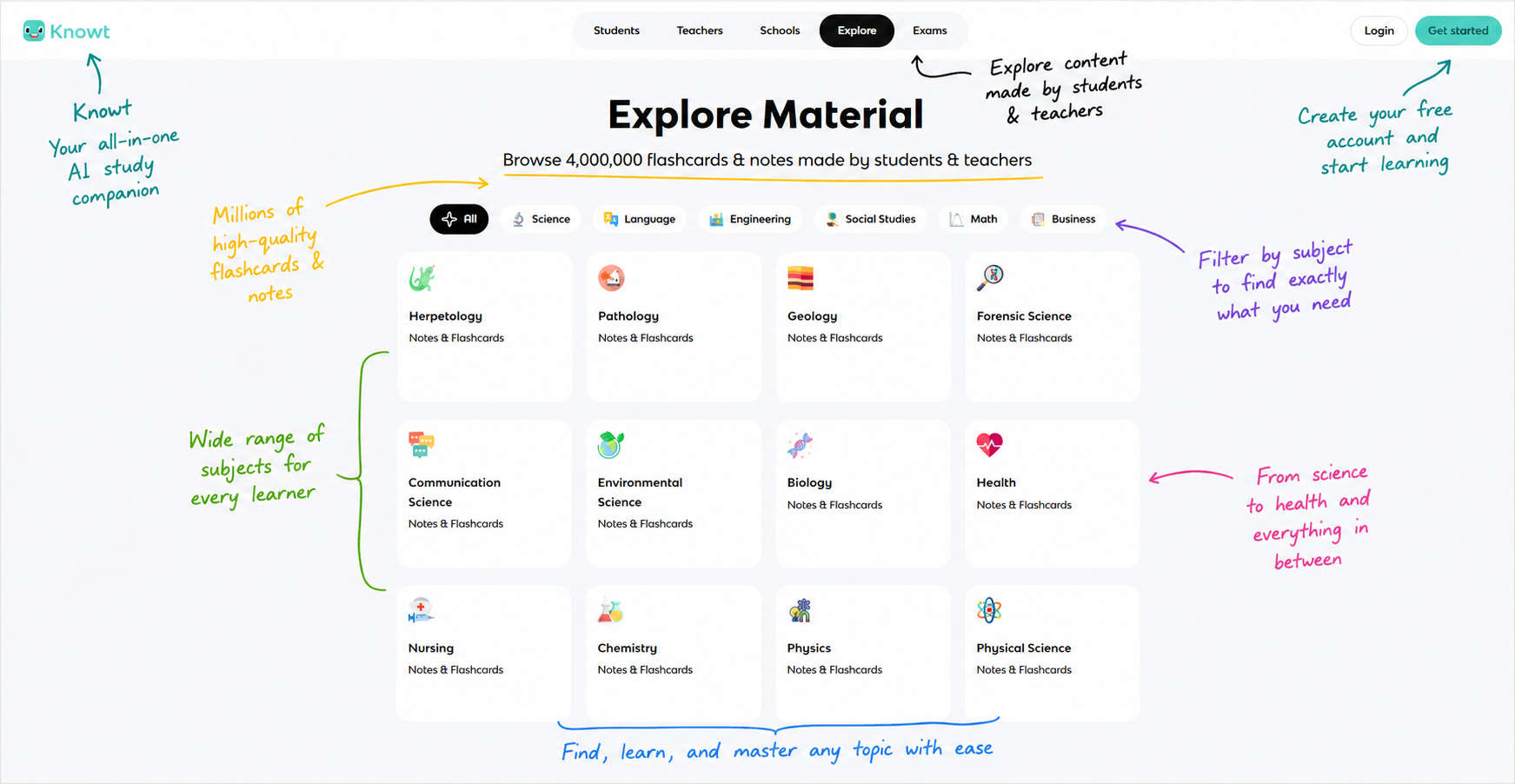
Try this right now: paste one page of notes into Knowt. You'll have a working flashcard deck before you finish reading this article.
2. Gizmo adapts to your weak spots
Gizmo is what a flashcard app should be in 2026.
It analyzes which cards you struggle with and rebuilds your study session around them. The free version covers most of what a student needs.
Best for: language vocab, definitions, and any subject where rote recall is half the battle.
3. ChatGPT is a tutor, if you prompt it right
ChatGPT is the most powerful tool on this list. It's also the easiest one to misuse.
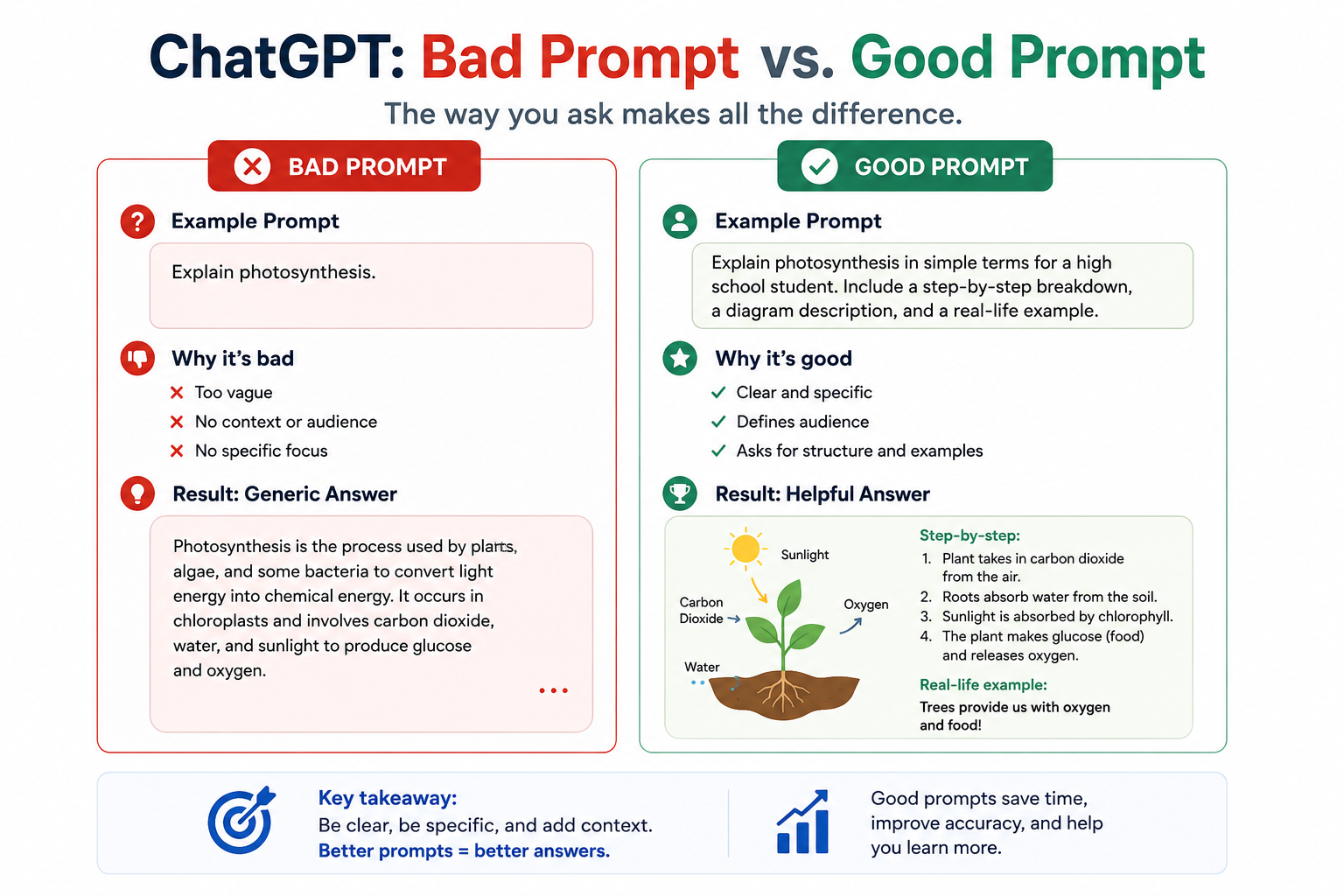
Asked badly, it writes your essay for you. Asked well, it becomes a tutor that quizzes you until you actually understand the material.
The difference is the prompt.
ChatGPT and Vertech?
I'll be honest about why we built Vertech.
Most students use ChatGPT the same way. Type a vague question. Get a vague answer. Copy. Move on.
Like buying a sports car and only driving it in first gear.
Our prompts turn ChatGPT (and Claude, and Gemini) into something specific. A Generalist Teacher that walks you through a topic with questions instead of answers. A Pocket Quiz that tests you on the spot. A Simplifier that breaks dense readings into language you can actually hold in your head.
For the prompt patterns that actually work, see our ChatGPT study guide.
4. Trevor AI plans the sessions you keep skipping
Most students don't fail because they're not smart enough. They fail because they don't show up.
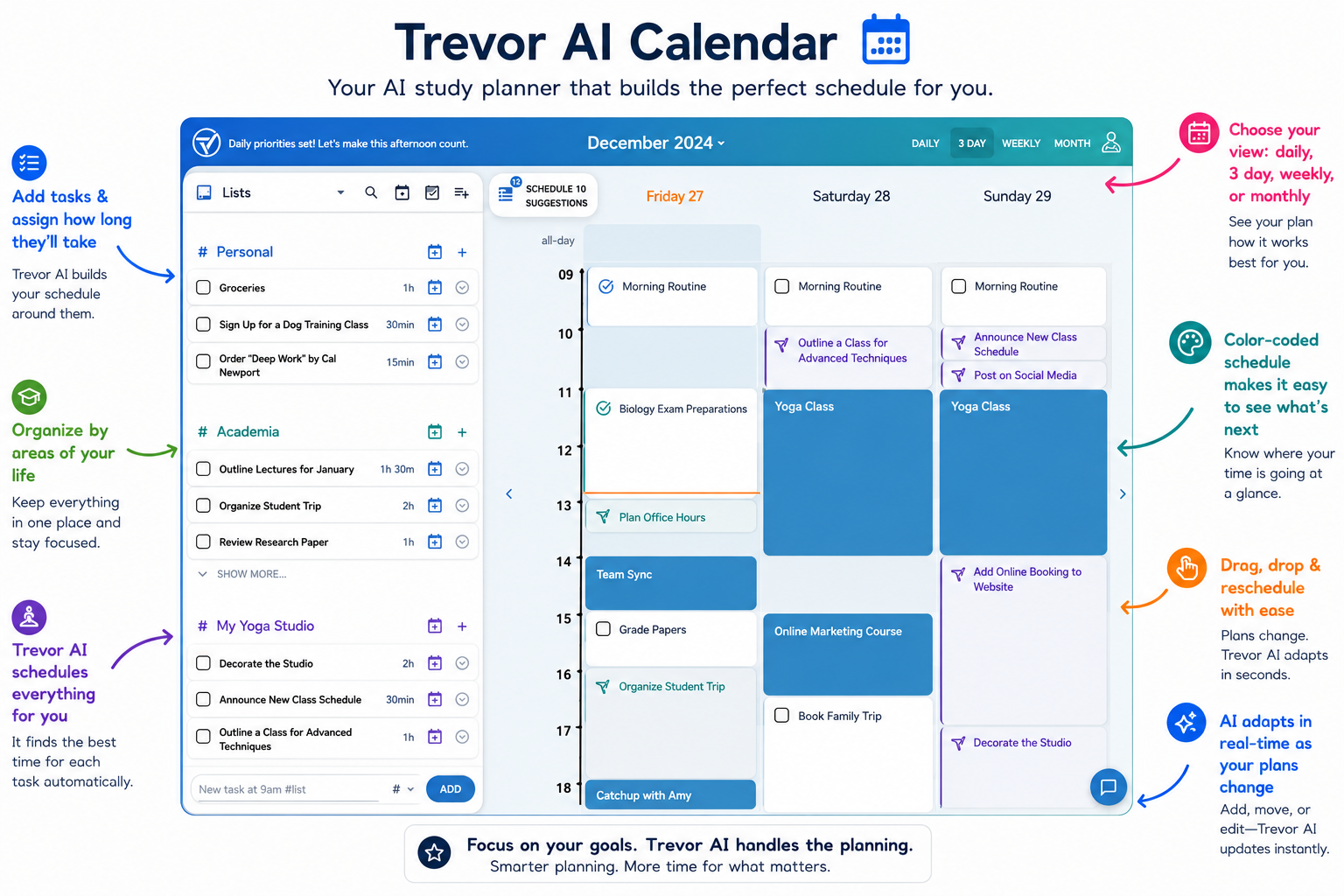
Trevor AI plans your study blocks around your real schedule. Miss a block? It reschedules automatically. No guilt spiral. No replanning your whole week from scratch.
Pair it with active-recall sessions and you've solved the two hardest problems in studying: when and how.
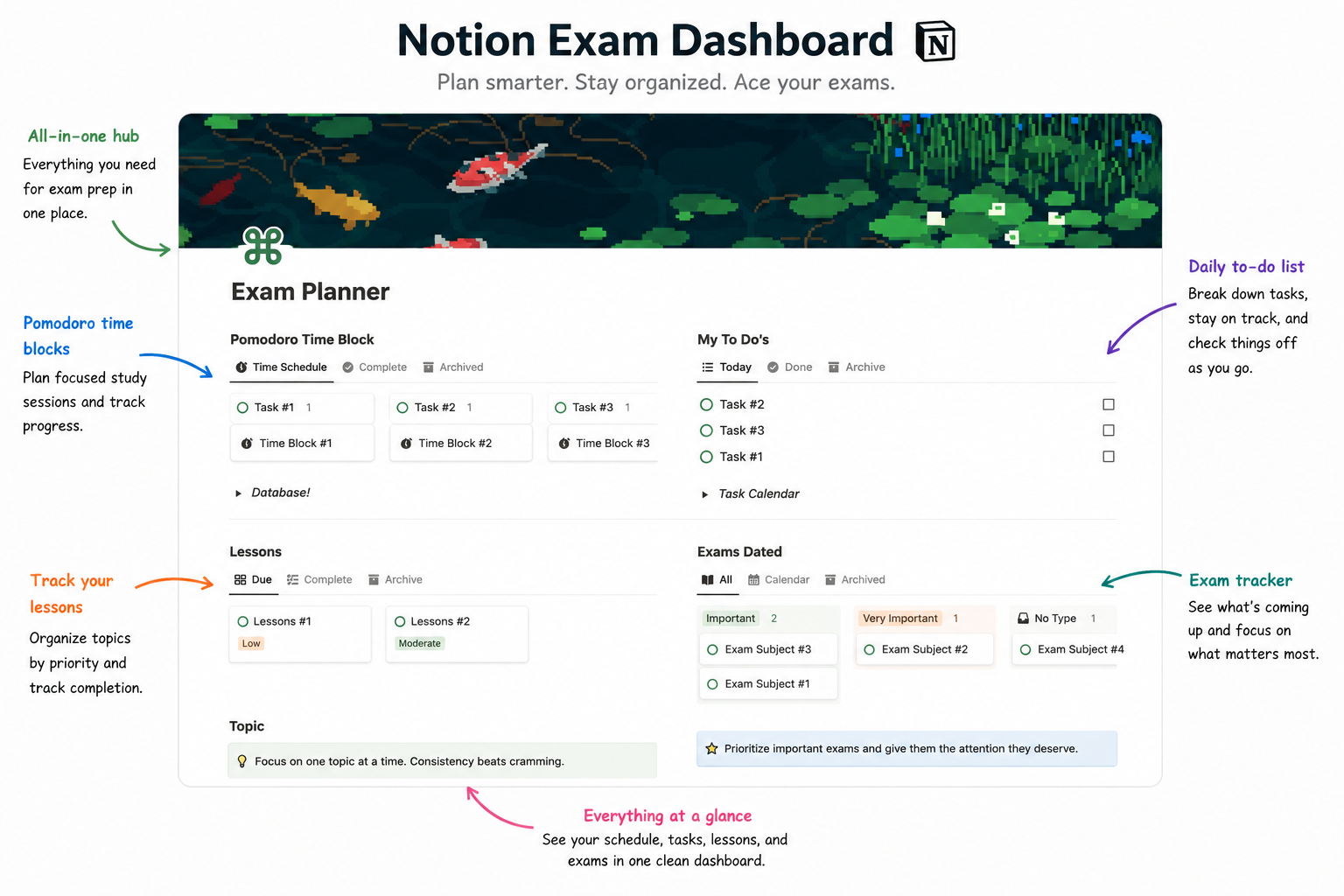
5. Notion holds the whole semester in one place
Notion isn't the best transcription tool. It isn't the best AI tool. It's the best organization tool.
One database. One entry per lecture. Topic, key concepts, edited notes, questions you couldn't answer.
When finals arrive, you don't dig through a graveyard of PDFs. You filter by topic and exam-ready material surfaces.
Students with a .edu email get the Plus plan free.
6. Perplexity cites its sources
ChatGPT hallucinates citations. Perplexity doesn't.
Every claim links to the source it came from. For research papers, history essays, and any assignment where you need real references, this matters more than raw fluency.
Use it instead of ChatGPT whenever the answer needs to be verifiable.
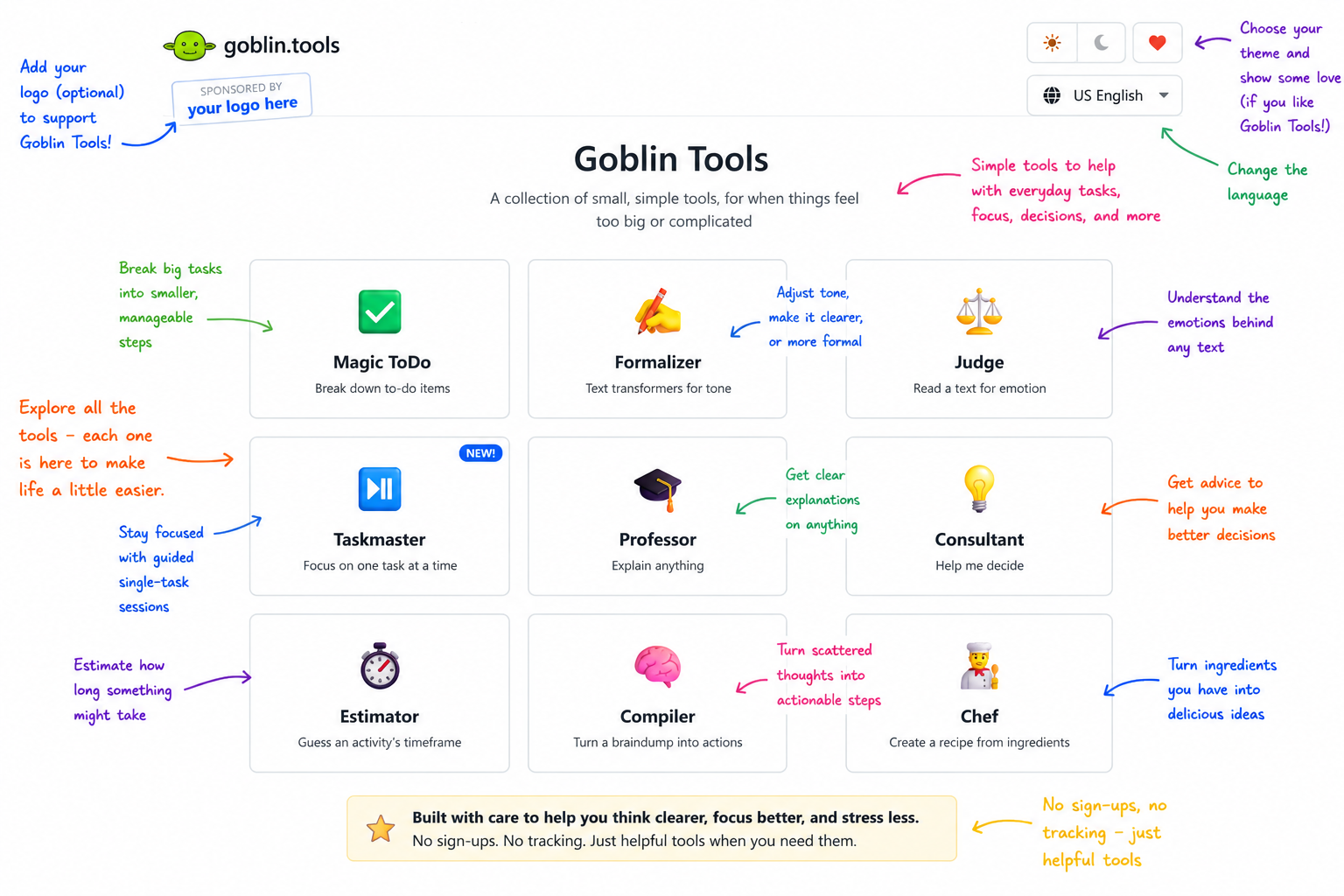
7. Goblin Tools breaks down what feels impossible
Goblin Tools is a collection of micro-tools built for people who struggle with task breakdown and time estimation.
Drop a vague assignment into the Magic ToDo. Get a step-by-step breakdown. Adjust the "spiciness" level if the steps are still too big.
Especially useful if you have ADHD or just freeze when assignments feel huge.
The pattern that makes all seven work
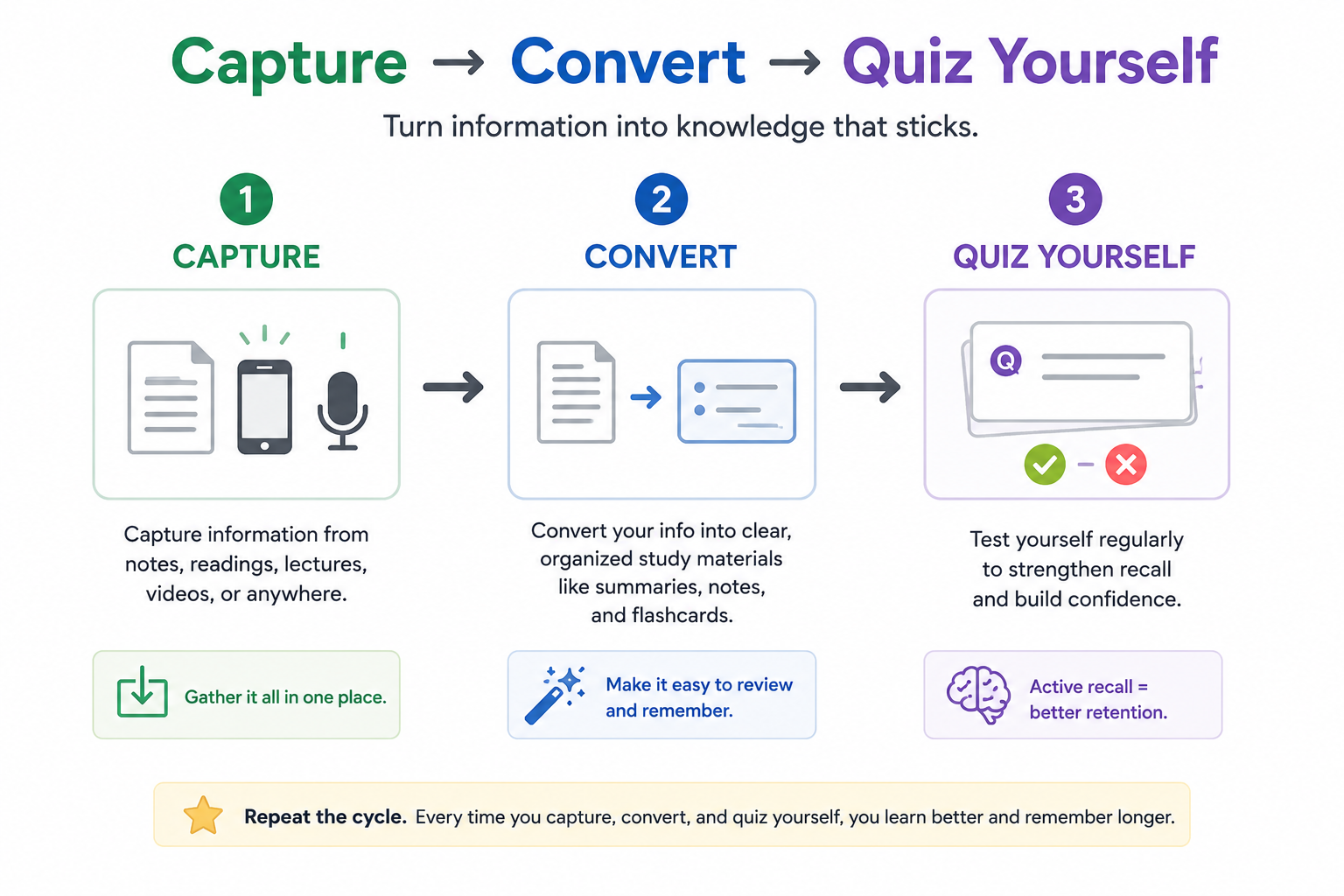
Capture. Convert to self-test material. Quiz yourself.
That three-step loop is the same pattern Dunlosky (2013) identified across hundreds of studies. The tools just remove friction from each step.
Knowt and Gizmo handle the conversion. ChatGPT and Perplexity fill the gaps. Trevor AI and Notion handle when and where. Goblin Tools breaks down what's left.
None of it works if you skip the testing step.
Are free AI tools enough to ace your exams?
For most students, yes.
But aren't paid tools better?
Sometimes. Often not.
Most students will never need to pay a cent for AI in 2026. The expensive tools usually wrap a free model in a nicer UI and charge $20/month for the privilege.
The real question isn't free vs paid. It's whether you're using a tool with a real workflow, or just collecting subscriptions.
Three mistakes that waste your AI study time
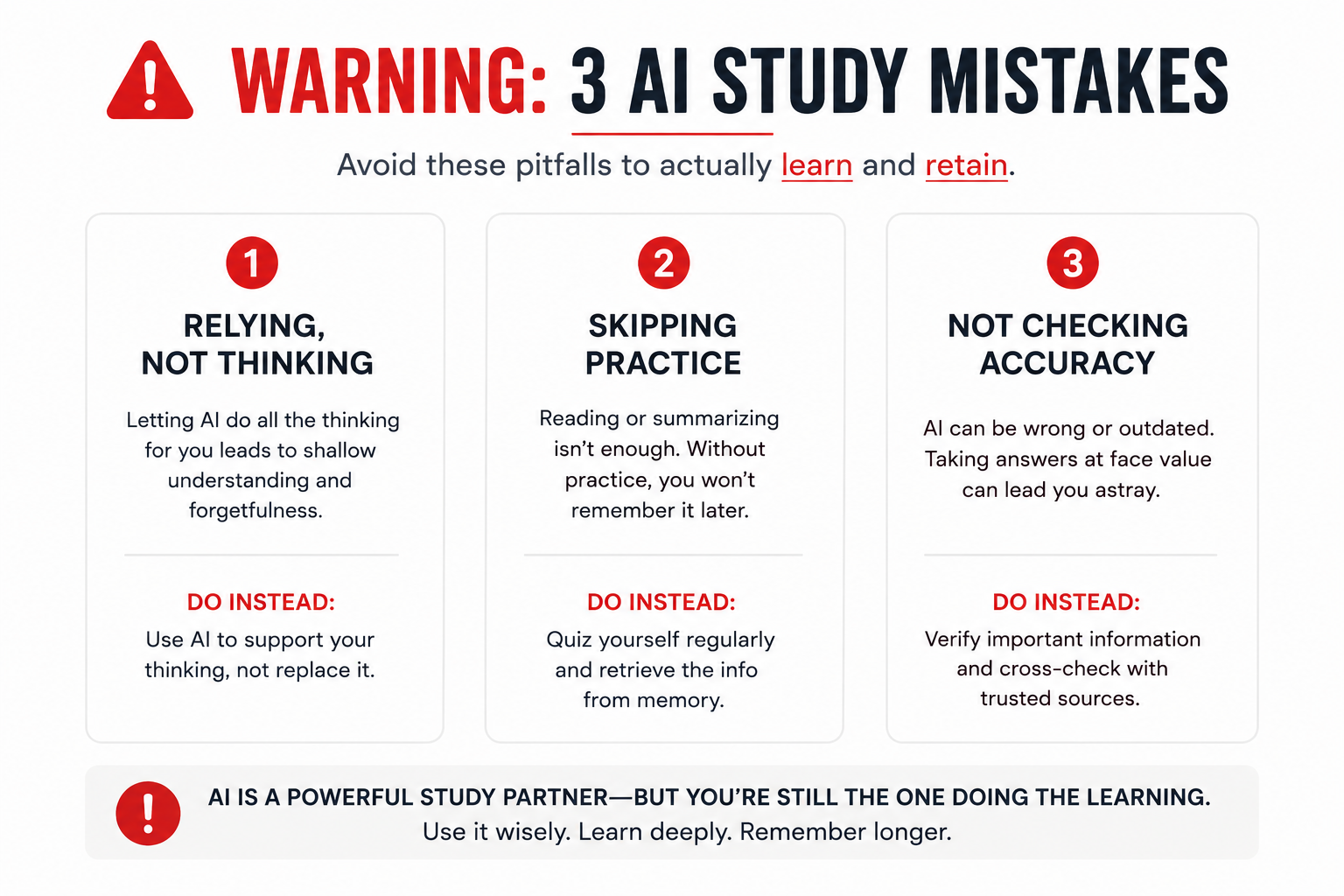
These three kill more grades than the wrong tool ever will.
1. Trusting AI output without verification.
AI makes things up with total confidence. Check anything important against your textbook before it ends up on an exam answer sheet.
Especially math (use Wolfram Alpha) and citations (use Perplexity).
2. Spending more time setting up than studying.
Organizing your Notion workspace feels productive. It isn't learning.
If you've been "setting up" for more than 15 minutes, you're procrastinating.
3. Letting AI do the thinking you needed to do.
Professors notice. AI detectors are getting better.
Use these tools to brainstorm, outline, and review. Write the actual draft yourself.
Try this right now: open your last ChatGPT study chat. Check one claim against your textbook.
You'll probably find a wrong answer you accepted as fact.
There is a smarter way
The seven free AI tools above are great. But here's the catch.
You still have to figure out how to use them. What to ask. Which prompt works for which subject. Which framing turns ChatGPT from a homework machine into an actual tutor.
That's the bottleneck.
Most students never solve it. They use one-line prompts, get mediocre answers, and conclude AI "doesn't really work for studying."
A better approach:
- Pick one tool from this list. Just one. Start with Knowt or ChatGPT.
- Use it for one specific task this week. One flashcard deck. One concept explanation. One practice quiz.
- Add a proven prompt instead of guessing. A structured prompt does more than the tool itself.
- Add a second tool only when you hit a real bottleneck. Not before.
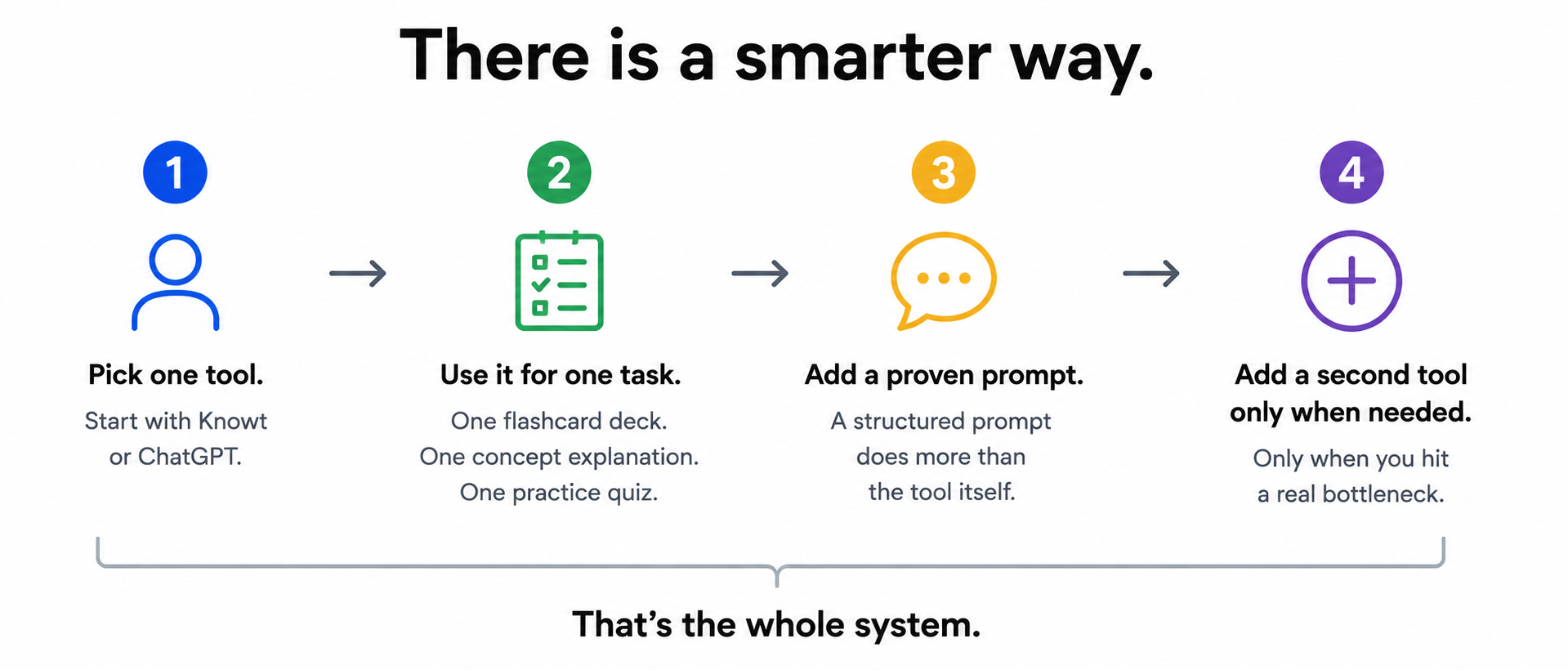
That's the whole system.
Liked the article? Share it!