Vertech Editorial
Turn your lecture notes into an interactive quiz using ChatGPT. Here is the exact method that boosts recall.
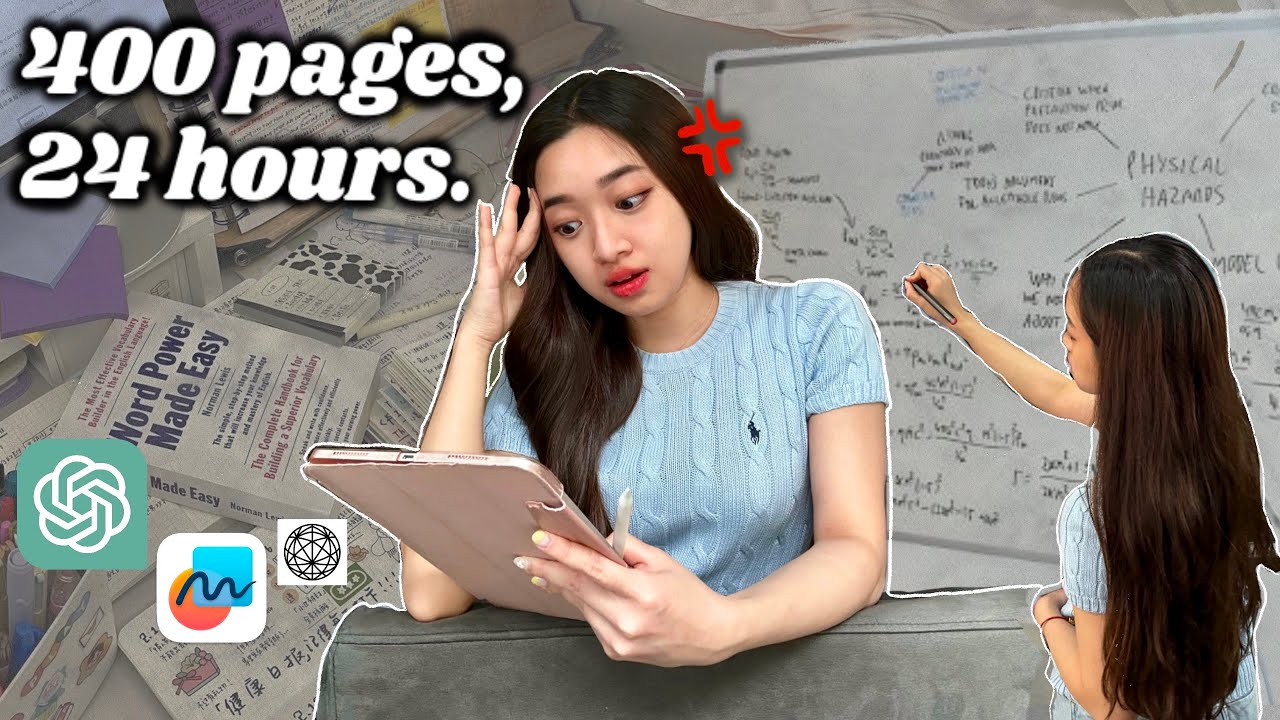
Re-reading your notes feels productive but barely works. The science is clear: testing yourself on the material is one of the most effective study methods that exists. The problem is that making your own quiz takes forever - and that is exactly where ChatGPT comes in.
You can paste your lecture notes into ChatGPT and have it generate a custom quiz in under a minute. But the way you set it up matters - a bad prompt gives you surface-level trivia, while a good prompt gives you genuinely useful questions that test real understanding. Here is how to do it right.
Step One: Paste Your Notes the Right Way
Start by copying your lecture notes into ChatGPT. If your notes are long, break them into sections - one topic per message works better than dumping an entire semester in at once.
The setup prompt:
"I am going to paste my lecture notes on [topic]. After I share them, I want you to quiz me. Ask me one question at a time, wait for my answer, and tell me if I got it right before moving to the next question. Focus on understanding, not memorization. Mix question types: some conceptual, some applied, some that ask me to explain a process."
The key instruction here is "one question at a time." If you let ChatGPT dump all questions at once, you lose the interactive element that makes quizzing so effective. You want a back-and-forth conversation, not a list to scroll through.
The Question Types That Actually Help You Learn
Explain-It Questions
"Explain why X leads to Y." These test deep understanding because you cannot answer them by just memorizing a definition - you need to actually connect concepts.
Application Questions
"If a patient presents with X, what would you expect to see and why?" These force you to use the information in a scenario - which is closer to what exams actually test.
Compare-and-Contrast
"What is the difference between X and Y?" Great for distinguishing similar concepts that exams love to test - the ones students confuse most often.
Process Questions
"Walk me through the steps of X." Tests whether you understand sequences and procedures - critical for science, coding, and methodology-heavy courses.
Combine It With Spaced Repetition for Maximum Recall
Quizzing yourself once is good. Quizzing yourself on the same material three days later is better. The spacing effect - reviewing material at increasing intervals - is one of the most well-documented findings in learning science.
After your first ChatGPT quiz session, save the conversation or take notes on which questions you got wrong. Then come back 2-3 days later and ask ChatGPT to quiz you again on the same notes, but focus extra on the areas where you struggled.
Pro tip
After a quiz session, ask ChatGPT: "Based on how I answered, which topics should I prioritize reviewing?" It will give you a ranked list of your weak spots - which is exactly what you should study next.
The Mistake That Makes ChatGPT Quizzes Useless
If your prompt just says "quiz me on these notes," ChatGPT will default to simple recall questions - definitions, dates, vocabulary. These feel easy but do not prepare you for exam questions that require analysis or application.
The fix is to be specific about what kind of thinking you want to practice. Tell ChatGPT to prioritize understanding over facts and to challenge you with questions that require reasoning, not just memorization. That one instruction transforms the quality of the quiz.
Your Notes Are a Study Gold Mine - Let AI Help You Mine Them
At Vertech Academy, our Pocket Quiz prompt is designed to do exactly this - turn any content into an adaptive quiz that focuses on your weak spots. If you want to take your notes further, check out our guide on turning messy notes into a clean study guide using AI.